
How to choose the best Squarespace developer for your project
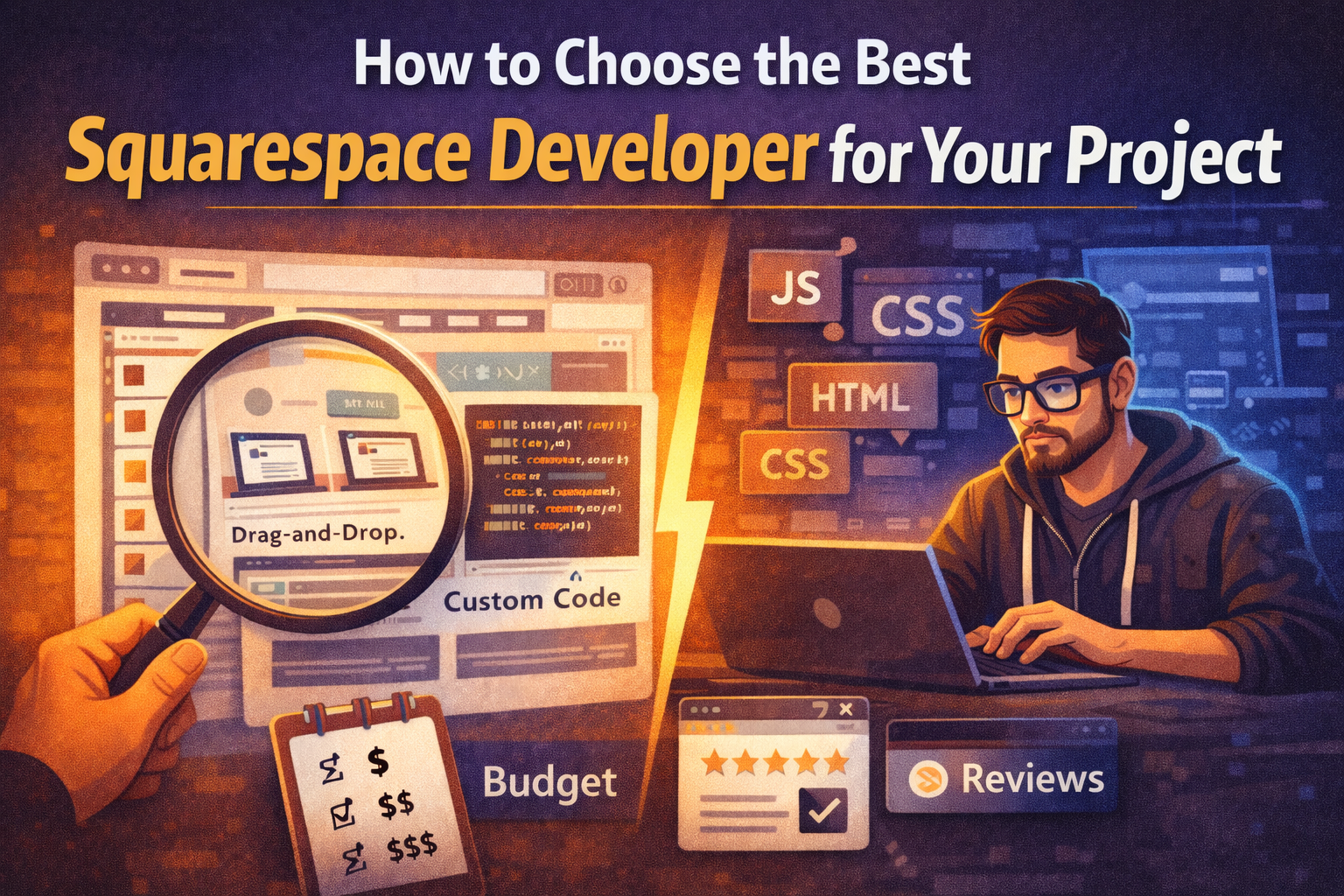
Before you compare people, you need one thing: a realistic budget range.
There’s no secret here—top talent costs more. Once you know what you can afford, you can compare freelancers/agencies properly instead of wasting time on options that were never going to fit your price point.
1) Start with your budget range (and be honest about it)
Budget isn’t just a number. It determines:
how custom your site can be,
how much coding and integration work is realistic,
how many rounds of revisions you can expect,
and how much long-term stability you’re buying.
If you want a unique site and advanced features, you’re usually hiring someone who can do more than drag-and-drop.
2) Look at their portfolio and identify their level
This is the fastest way to tell what you’re actually hiring.
Ask yourself:
Are these mostly “template-style” Squarespace builds using the editor only?
Or do you see custom layouts, unique interactions, and details that feel engineered?
Ask them directly:
“Was this built only with the Squarespace editor, or did you also write code (HTML/CSS/JavaScript)?”
A real developer should be comfortable explaining what they did and why.
3) Confirm they can actually code (not just paste snippets)
A strong Squarespace developer should be confident with:
HTML (structure)
CSS (layout, responsiveness, styling)
JavaScript (behavior, interactions, logic, integrations)
What to ask (simple but revealing)
“What custom code work have you done on Squarespace recently?”
“Can you explain the approach you’d take for my project?”
“How do you prevent custom code from breaking when the page layout changes later?”
“How do you handle mobile responsiveness and performance?”
If they can’t explain their approach clearly, you’re guessing.
4) Ask for a price range based on your scope
After you’ve looked at their portfolio, describe what you want and ask:
“What price range would this fall into?”
“What’s included vs excluded?”
“What would increase the price the most?”
A professional will ask clarifying questions and give you tradeoffs instead of throwing out a random number.
5) Check reviews—and verify they’re real
Reviews are useful, but fake reviews exist everywhere.
If they claim reviews from platforms like Upwork, Fiverr, or Toptal, ask them to:
share a link to their profile, or
share their screen during a call and open the profile
If the reviews are real, verifying them should be easy. If it’s complicated or evasive, that’s a red flag.
6) Don’t ignore communication (it predicts the whole project)
Your best “quality test” is often the first conversation.
A good developer will:
ask about goals and constraints,
explain what’s possible vs risky,
set expectations clearly (timeline and deliverables),
and speak in plain language.
Overpromising and vague answers usually lead to surprises later.
7) Choose someone who thinks about stability and maintenance
Squarespace projects often break when:
someone redesigns a section later,
scripts depend on fragile selectors,
too much code is injected without structure,
performance slows down due to stacked scripts and widgets.
Ask questions like:
“If we redesign later, what might break?”
“How will you keep the custom code maintainable?”
“Will you document what you added and where it lives?”
A real developer builds with future changes in mind.
Quick conclusion
To choose the best Squarespace developer:
Know your budget range
Compare portfolios with a “code vs editor-only” lens
Confirm they know HTML/CSS/JavaScript
Ask for a price range based on your real scope
Verify reviews by checking real profiles
Prioritize clear communication
Optimize for stability and long-term maintainability