
How to Choose the Right Squarespace Designer or Developer
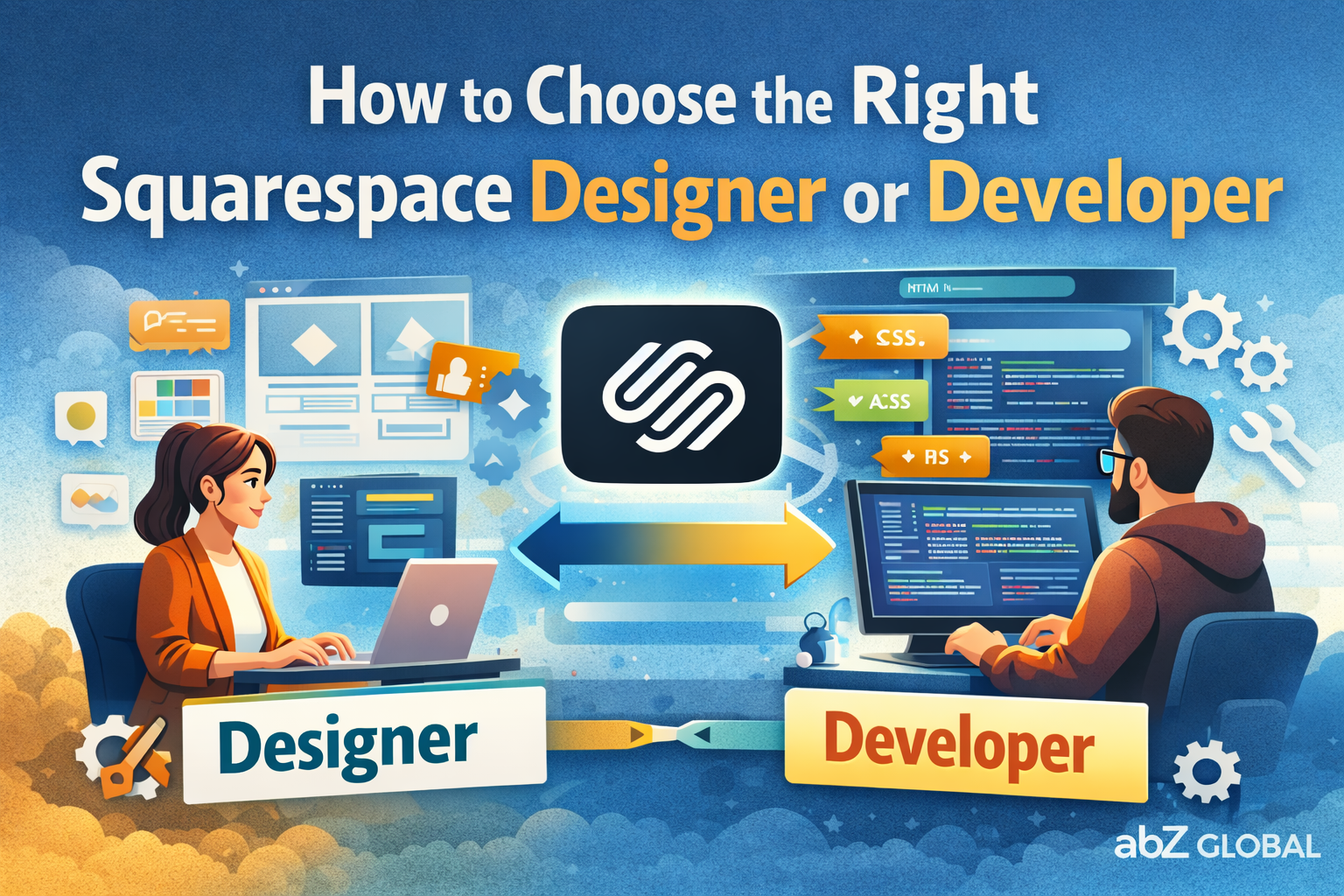
Hiring “a Squarespace person” sounds simple—until you realize there are different types of Squarespace pros, and choosing the wrong one usually leads to one of two outcomes:
a site that looks fine, but can’t do what you actually need
a site that’s overbuilt (and expensive) for a simple project
This guide helps you decide whether you need a designer, a designer who can code, or a designer + developer—and how to vet them properly.
Step 1: Decide what kind of Squarespace project you actually have
If your project is small and straightforward, a designer may be enough
A designer who is strong inside the Squarespace editor is often perfect when:
you’re using a template as your base
you want a clean service-business site (home, about, services, contact)
you don’t need unusual layouts, interactions, or custom functionality
you mainly need someone with good taste: spacing, typography, section structure, mobile layout
For these projects, coding skills are a “nice to have,” not a requirement.
If you want a truly unique Squarespace website, you usually need someone who can code
The moment you want the site to stop looking like Squarespace, you’re entering “developer territory”—or at least “designer who codes.”
Typical signs you’ll benefit from HTML/CSS/JavaScript skills:
custom layout behavior beyond the editor’s limits (true grids, unusual alignment rules, complex responsive behavior)
animations/interactions that must feel “product-level”
custom navigation patterns (mega menus, sticky behaviors, special transitions)
advanced embeds and integrations that need troubleshooting and clean implementation
consistency across pages that requires reusable styling/components
Squarespace supports adding custom code in several ways (custom CSS, code blocks, code injection, embeds), but it’s still client-side code and it needs to be done carefully.
Rule of thumb: the more the person understands HTML + CSS + JavaScript, the more design variations and “this feels custom” outcomes they can realistically produce.
Step 2: Understand what “coding on Squarespace” really means
Before you hire, it helps to know how Squarespace customizations typically happen:
Custom CSS for styling, layout refinements, responsive behavior
Code blocks for page-specific HTML/Markdown and certain embeds
Code injection for site-wide or page-level scripts (analytics, chat, verification, enhancements)
Also important: Squarespace notes that code-based customizations and third-party code are generally outside the scope of their support—so you want someone who can own and maintain the technical side.
Step 3: Use this quick “who do I hire?” decision guide
Hire a Squarespace designer (no-code) if…
you’re happy starting from a template
you want something polished and professional, fast
the priority is content + visuals, not custom behavior
your site isn’t a core operational system
Hire a Squarespace designer who codes (best “value” tier) if…
you want a design that feels premium and unique
you need clean CSS to “lock in” a look across the site
you want small interactive details that elevate the experience
you care a lot about mobile polish
Hire a Squarespace designer + developer (or one person strong at both) if…
your website is central to your business (lead gen, applications, bookings, high-volume marketing)
you need custom logic, advanced integrations, or complex UX patterns
you’re pushing Squarespace to behave more like a custom front end
you need someone who can debug and maintain code long-term
Step 4: Vet the candidate like a business decision (not a portfolio contest)
1) Look at reviews and what past clients actually say
A pretty portfolio is easy to fake. Reviews reveal the real story:
Did they communicate clearly?
Did they deliver on time?
Did the site remain editable for the client?
Did they handle issues responsibly after launch?
2) Check whether they’ve worked on projects like yours
Ask yourself: are they used to the level of responsibility your project needs?
If they’ve only built simple local-business websites, they may struggle with complexity, integrations, or performance expectations.
If they’ve worked with larger brands or sites where uptime, conversion, and workflows matter, they’re more likely to have strong process and technical discipline.
3) Ask how they handle custom code long-term
Good answers sound like:
“We keep custom code minimal and purposeful.”
“We document what we add and where.”
“We avoid fragile hacks and prefer maintainable patterns.”
“We plan for what happens if you need changes later.”
Bad answers sound like:
“Don’t worry, we’ll just inject some scripts.”
“We can do anything with code injection.” (It’s powerful, but not magic.)
4) Consider hiring through a vetted channel if you want extra safety
Squarespace has a Marketplace where you can get matched with a Squarespace Expert, and Squarespace describes these Experts as experienced third-party designers/developers from their Circle community and vetted for quality.
There are also Squarespace experts on freelancing platforms like Upwork and Fiverr.
Step 5: If you want the “designer’s eye + developer’s brain” approach
This is exactly the gap many businesses hit: they don’t just want someone to place blocks—they want a Squarespace site that looks custom, behaves smoothly, and still stays easy to edit.
At abZ Global, the positioning is intentionally “designer + developer,” focused on high-end Squarespace builds that go beyond templates with custom CSS/JS, advanced layouts, and maintainable components—while keeping editing simple for non-technical teams.