
Squarespace vs WordPress for Business Owners Who Don’t Want Maintenance Headaches
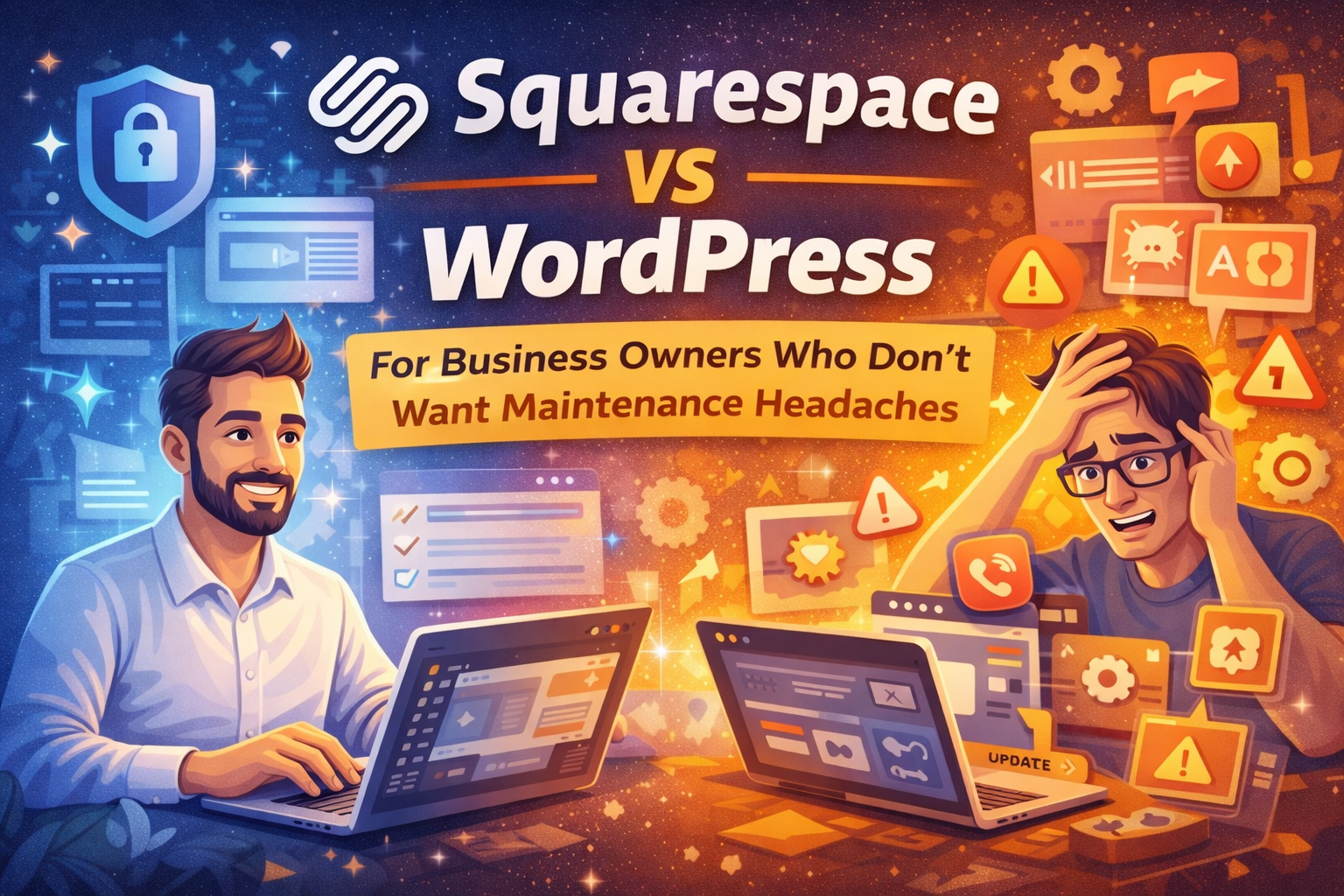
If you’re a business owner, your website isn’t a hobby. You want it to look good, load fast, generate leads or sales, and stay online without you babysitting it every week.
That’s where the Squarespace vs WordPress decision becomes very practical.
This isn’t about which platform is “better.” It’s about who carries the maintenance burden and what that costs you in time, focus, and risk.
The core difference (in one sentence)
Squarespace: fully managed platform — hosting, updates, and core security are handled for you.
WordPress: you (or someone you pay) are responsible for updates, plugin compatibility, backups, and security.
That difference alone determines most of the long-term experience.
1) Updates: set-and-forget vs constant ownership
Squarespace
Squarespace updates the platform centrally. You don’t manage core updates, plugins, or version conflicts. Major platform changes are handled by Squarespace itself.
What this means for you:
Far fewer moments where “something broke after an update.”
WordPress
A WordPress site typically has three update layers:
core
theme
plugins
The more plugins you add, the more things can conflict.
What this means for you:
Even with automation, someone must check:
layouts after updates
forms and checkouts
emails and integrations
If no one owns this, problems appear quietly and stay unnoticed.
2) Security: smaller surface vs plugin ecosystem
Squarespace
A managed platform reduces risk by design. Fewer third-party components means fewer places for things to go wrong.
Security is part of the platform, not something you assemble yourself.
WordPress
WordPress can be very secure — when maintained.
But the plugin ecosystem is both its strength and its biggest risk. Vulnerabilities usually come from outdated plugins, not WordPress itself.
If updates are skipped, risk accumulates.
3) Backups and recovery: who saves you when something breaks?
Squarespace
Because the platform is managed, you’re protected from most classic “site got hacked” or “server died” scenarios.
That said, good habits still matter:
keep copies of important content
store brand assets separately
avoid random code you don’t understand
WordPress
Backups are essential. If an update breaks something, you need a clean rollback.
In practice, this means:
managing backups yourself
or paying someone to do it
or trusting hosting automation and hoping it works when needed
4) The hidden time cost most owners underestimate
Here’s what WordPress maintenance often turns into over time:
plugin and theme updates
compatibility checks
security hardening
backup monitoring
performance tuning
fixing random issues (forms, emails, layouts, checkout)
If you do it yourself, it steals time from sales and operations.
If you don’t, you’re accumulating silent risk.
Squarespace avoids most of this by design.
5) When WordPress is still worth it
WordPress can be the right choice if you need:
advanced content workflows
heavy SEO or editorial operations
complex integrations
very specific ecommerce setups
full control over hosting and code
If you choose WordPress and want fewer headaches, the safest path is:
managed WordPress hosting
minimal plugins
a maintenance plan with clear ownership
When Squarespace is the smarter choice for business owners
Squarespace usually wins if you want:
minimal maintenance
fewer security worries
faster execution
less technical overhead
For most service businesses, creators, local companies, and small ecommerce catalogs, Squarespace is the lower-stress option.
The important twist: Squarespace still benefits from expert help
Even with low maintenance, many Squarespace sites struggle with:
poor mobile conversion
weak page structure
slow pages due to heavy sections
SEO that doesn’t compete
unreliable tracking
messy custom tweaks
This is where hiring a Squarespace expert makes sense — not to keep the site alive, but to make it perform.
Quick decision guide
Choose Squarespace if you want:
stability with minimal upkeep
fewer moving parts
focus on marketing and sales
Choose WordPress if you want:
maximum flexibility
deep customization
and are willing to manage or pay for maintenance
Want a straight answer for your site?
If you send me:
your current site URL
what you sell
what you want more attaching (leads, sales, bookings)
I’ll tell you which platform fits you best based on maintenance tolerance, and if you’re staying on Squarespace, I’ll point out the highest-impact improvements without rebuilding everything.