
ChatGPT Images 1.5 (GPT Image 1.5): What’s New + How I Use It for Web Projects
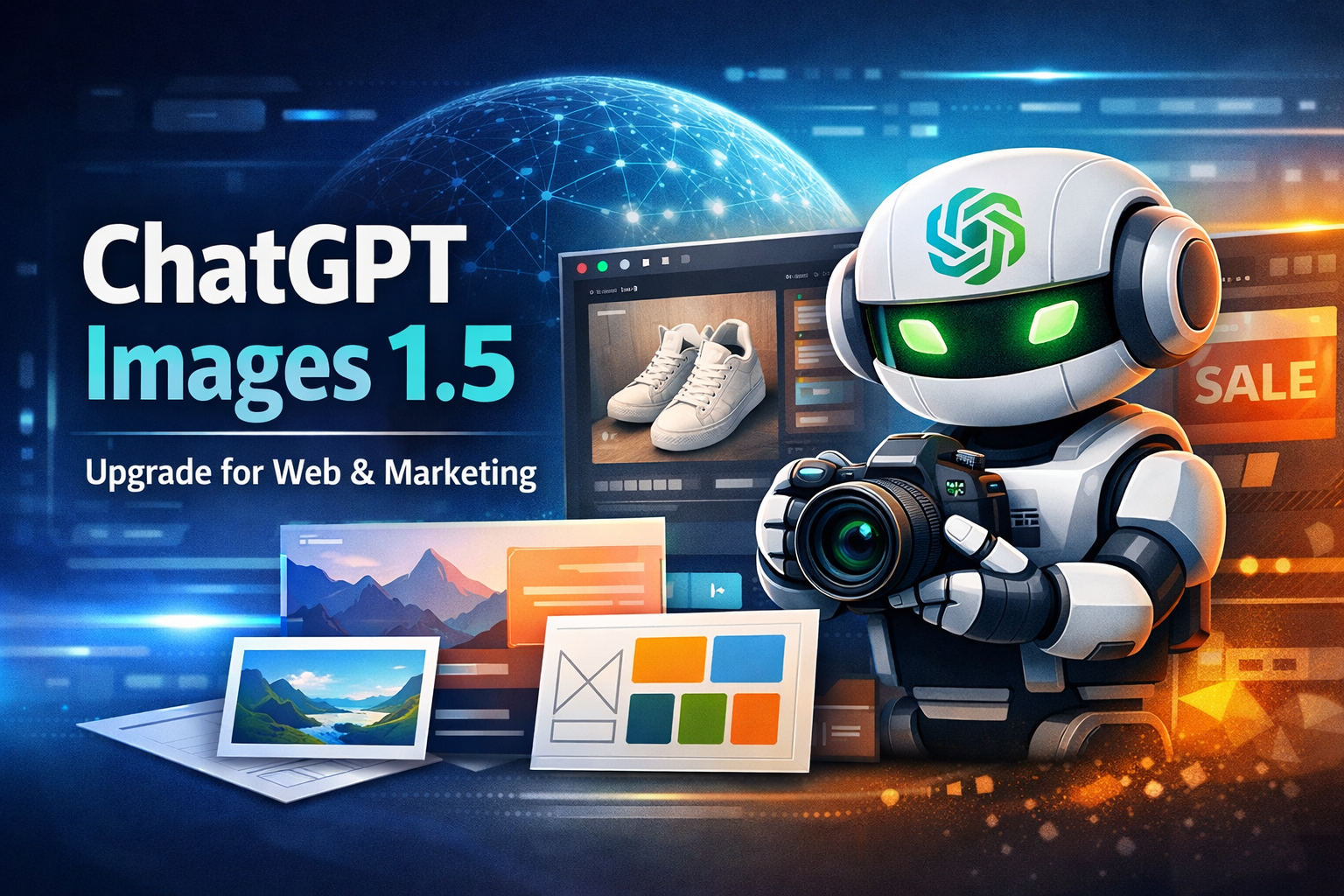
OpenAI rolled out a new version of ChatGPT Images on December 16, 2025—with faster generation (up to 4×) and noticeably better “do exactly what I asked” behavior, especially for edits where you want everything else preserved.
In the API, this same capability is available as GPT Image 1.5 (gpt-image-1.5).
If you build websites, product pages, or marketing funnels, this matters because the biggest pain with AI images has always been consistency: keep the logo, keep the composition, don’t “reimagine” the whole photo when you asked for one small change. This release is clearly aiming at that.
What actually improved (in normal words)
The headline changes are:
Precise edits that preserve what matters: you can edit an uploaded image and the model is better at changing only what you asked, while keeping lighting/composition/people consistent.
Stronger instruction following: it handles more complex compositions and relationships between elements more reliably.
Faster iterations: generation speeds are up to 4× faster, which matters when you’re doing “10 small refinements” like a real design workflow.
Where you’ll feel it most as a web developer / agency
Here are the use cases where this upgrade is actually useful (not just “cool”):
1) Website hero images and section illustrations (fast variations)
You can generate multiple style-consistent options for:
Landing hero background
Feature section illustrations
Blog header images (landscape)
“How it works” diagram-like visuals (when you prompt for a clean, minimal layout)
In the Images API you can request common web-friendly sizes like 1536×1024 (landscape) or 1024×1536 (portrait).
2) Product photo edits for ecommerce
Typical requests that used to break the whole image:
“Remove the background, keep the product identical”
“Change the wall color / table material”
“Add a subtle shadow, keep lighting consistent”
These are exactly the kind of “precise edits” where preserving consistency across edits matters most.
3) Ad creative batches that don’t drift
If you need 10 ads that look like the same campaign:
Keep layout rules consistent
Keep brand palette
Keep the same product angle
Better instruction following + better editability is the exact combo you want here.
ChatGPT UI vs API: which one to use?
In ChatGPT (fastest for “creative + iterate”)
If your workflow is “give me 5 options → tweak → tweak again,” ChatGPT is the fastest.
In the API (best for products, automation, pipelines)
You have two main options:
Image API (straight to the point: generate/edit an image from a prompt)
Responses API (multi-step flows; can do iterative editing as part of a conversation)
For many web projects, the Image API is the simplest: your backend calls it, you store the output, and you’re done.
GPT Image 1.5 pricing (so you can estimate costs)
Token-based pricing is commonly listed as:
Text tokens: $5 / 1M input, $10 / 1M output
Image tokens: $8 / 1M input, $32 / 1M output
(Real cost depends heavily on image size + how many iterations you do.)
Minimal “works in production” API notes
A few details that matter when you implement this:
The GPT image models support
png,jpeg, orwebpoutput formats and can return base64 image data.For edits, you can provide up to 16 input images, each
png/webp/jpgunder 50MB.You can control size, quality, compression, and even transparent backgrounds.
A prompt template that keeps results “web-ready”
When I want images that are actually usable on a website, I prompt like this:
Prompt skeleton
Goal: what the image is for (hero, thumbnail, product ad)
Composition rules: subject position, empty space for text, aspect ratio
Style rules: minimal / realistic / studio lighting / flat illustration
Brand constraints: colors, vibe, “no extra text unless requested”
Output: “1536×1024 landscape, clean, high detail”
Example
Create a 1536×1024 website hero image. Subject on the right third, leave clean negative space on the left for headline text. Minimal modern tech aesthetic, soft gradients, no readable text, no logos. Lighting consistent and realistic, not cartoonish.
Safety / compliance notes (for real client work)
If you’re doing client-facing work (especially ads), treat this like any other asset pipeline: review outputs, keep a source trail, and don’t assume every prompt is allowed.
Where I think this fits in a modern web workflow
My “best use” for ChatGPT Images 1.5 isn’t replacing designers—it’s replacing the slow parts of iteration:
early concept variations
quick background removal / scene cleanup
generating “good enough” blog and social visuals fast
creating consistent campaign batches when you already know the layout rules