
OpenAI Launches the Codex Desktop App for macOS (And Why It Matters)
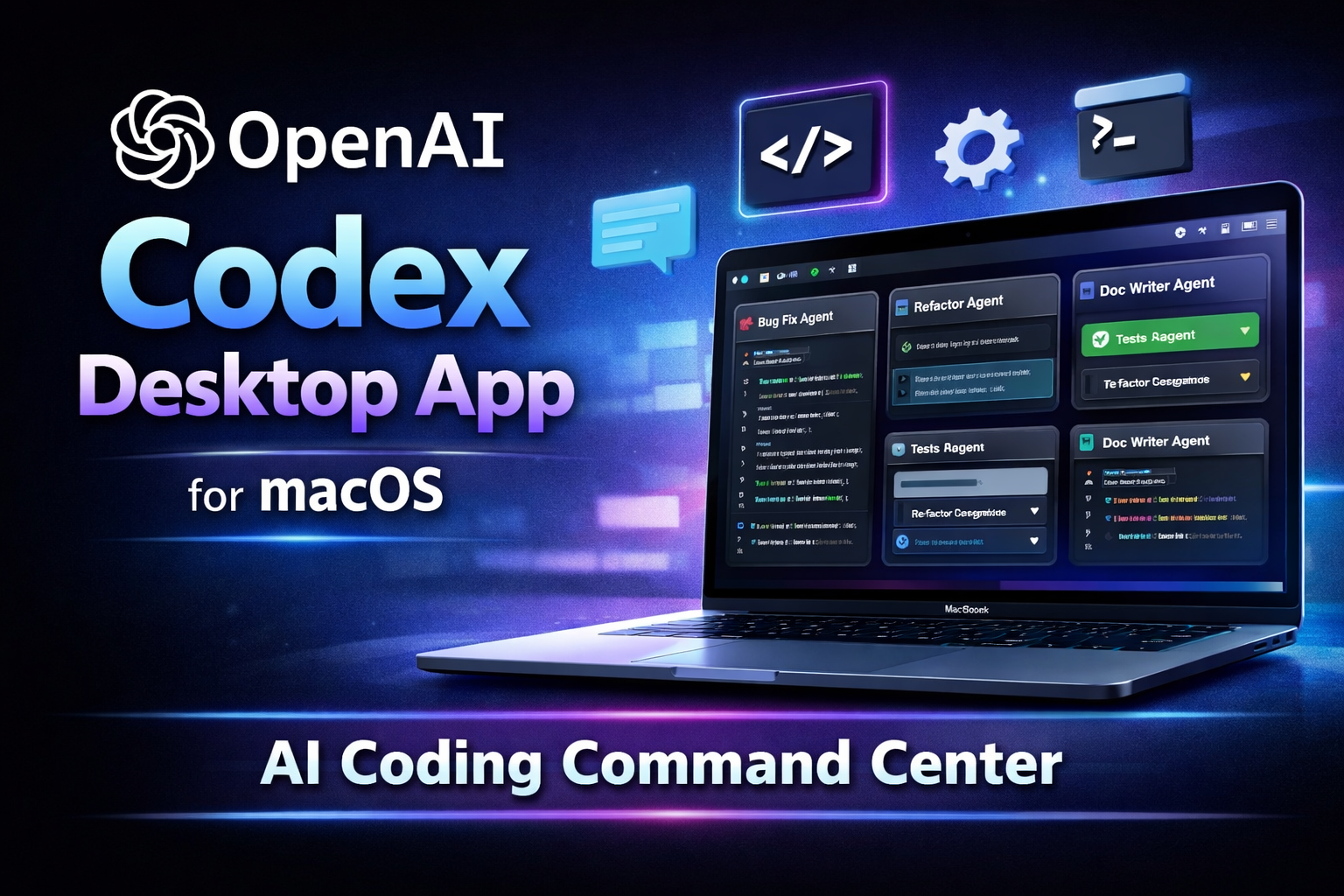
On February 2, 2026, OpenAI announced a standalone Codex desktop app for macOS (macOS only for now). It’s positioned as a “command center” for agentic coding—not just a chat box that helps you write a function, but a place where you can run multiple coding agents in parallel, keep their changes isolated, and supervise longer tasks without babysitting every step.
If you’ve been watching tools like Anthropic’s Claude Code or AI-first editors such as Cursor gain momentum, this launch is clearly Reuters’ take: OpenAI pushing harder to compete in the developer tool race.
The big shift: from “AI autocomplete” to “AI project execution”
A lot of AI coding tools started as “help me write code faster.” The Codex app is aiming at something bigger:
You give an agent a task (feature, refactor, bug hunt, migration)
It runs in an environment where it can actually edit code and execute steps
You supervise the work like a lead dev reviewing multiple parallel branches
OpenAI describes this as moving from pairing with one agent to supervising teams of agents across the lifecycle: design → build → ship → maintain.
What the macOS Codex app actually gives you
1) Multi-agent workflows (parallel work, less context switching)
The app is designed so you can run multiple agents at the same time, each working on separate tasks. Instead of one long chat thread, think “task board of agents” you can monitor.
2) Worktrees / isolation (less “AI touched everything” chaos)
A key promise here is keeping agent changes isolated using worktrees, so one agent’s experiment doesn’t contaminate another’s work (or your working tree).
3) Skills (repeatable, team-style conventions)
OpenAI is pushing “skills” as reusable capabilities—basically packaging your tools + conventions + workflows so agents act more like your team’s standards, not generic code generators.
4) Automations (background agent work)
The Codex product pages emphasize automations for routine-but-important work: triage, monitoring, CI/CD-ish busywork, etc. Whether you’ll trust it with real production tasks is a separate question—but the intent is clear: agents that work even when you’re not actively prompting.
Availability and access: what’s confirmed
The Codex app is currently only available on macOS, and OpenAI’s developer docs specify macOS (Apple Silicon).
Sign-in options include your ChatGPT account (or an API-key-based flow).
For a limited time, OpenAI says Codex is available through ChatGPT Free and Go, and they’re doubling rate limits on several paid plans across where Codex is used (app/CLI/IDE/cloud).
Why this matters for freelancers and small teams
If you’re a solo dev or a small agency (like most abZGlobal readers), the best-case value isn’t “it writes code for me.”
It’s:
Parallelization without hiring: you run one agent on a bug hunt, another on refactoring, another on docs, while you stay on the critical path.
Less mental load: fewer “hold on, what was I doing?” context switches.
More structured review: isolated changes (worktrees) make it easier to accept/reject AI output like real PR work.
That’s also why the competitive framing exists—coding is one of the clearest “AI pays for itself” use cases in business software right now.
Practical workflow: how I’d use Codex app on a real project
Here are a few safe, high-ROI patterns (especially for client work):
“Find and explain” agent
Ask an agent to map a codebase: key folders, data flow, risky parts, quick wins.“Fix with tests” agent
Have an agent reproduce a bug, propose a fix, and add/adjust tests. You review + merge.“Refactor with guardrails” agent
Give strict constraints: “Do not change behavior. Only simplify X module. Keep API stable.”“Docs and handoff” agent
Produce client handoff docs, runbooks, or onboarding notes from the repo.
The point: treat agents like junior devs that can work fast—but still need supervision.
The tradeoffs (don’t skip this)
Agentic coding is powerful, but it’s also the easiest place to get burned:
Repo access and secrets hygiene: be intentional about what folders the agent can touch.
Silent regressions: “looks right” isn’t the same as “is right.” Require tests / repro steps.
Over-scoped tasks: agents do best when tasks are crisp and verifiable.
OpenAI (and the broader industry) is racing toward always-on agents; that makes operational discipline more important, not less.
Bottom line
The Codex macOS app is OpenAI saying: “Coding assistants shouldn’t just suggest code—they should execute chunks of software work in parallel, and you should supervise them like a manager.”
If you already work with modern stacks, CI, PR review habits, and clear project structure, you’ll likely get value quickly. If your projects are messy and under-tested, the app won’t fix that—it will amplify it.