
Top Conversion Rate Optimization (CRO) Strategies for Your Squarespace Website
A Squarespace site can look amazing and still underperform.
Conversion Rate Optimization (CRO) is the process of turning more of your existing visitors into leads, calls, bookings, or sales—without needing more traffic.
Below are the most effective CRO strategies you can apply specifically on Squarespace, with practical implementation ideas you can do today.
1) Start with one clear conversion goal per page
Most Squarespace pages fail because they try to do too much.
Before you optimize anything, decide what “success” means for each page:
Homepage: usually “get to the next step” (book a call / view services / shop a collection)
Service page: inquiry form submissions or consultation bookings
Landing page: one action only (download / sign up / buy)
Product page: add to cart + start checkout
Blog post: email opt-in or “view service” click
Rule: one primary CTA (call-to-action) per page, and one secondary CTA at most.
2) Fix the “above the fold” section first
The first section visitors see should answer 4 questions fast:
What is this?
Who is it for?
What do I get?
What should I do next?
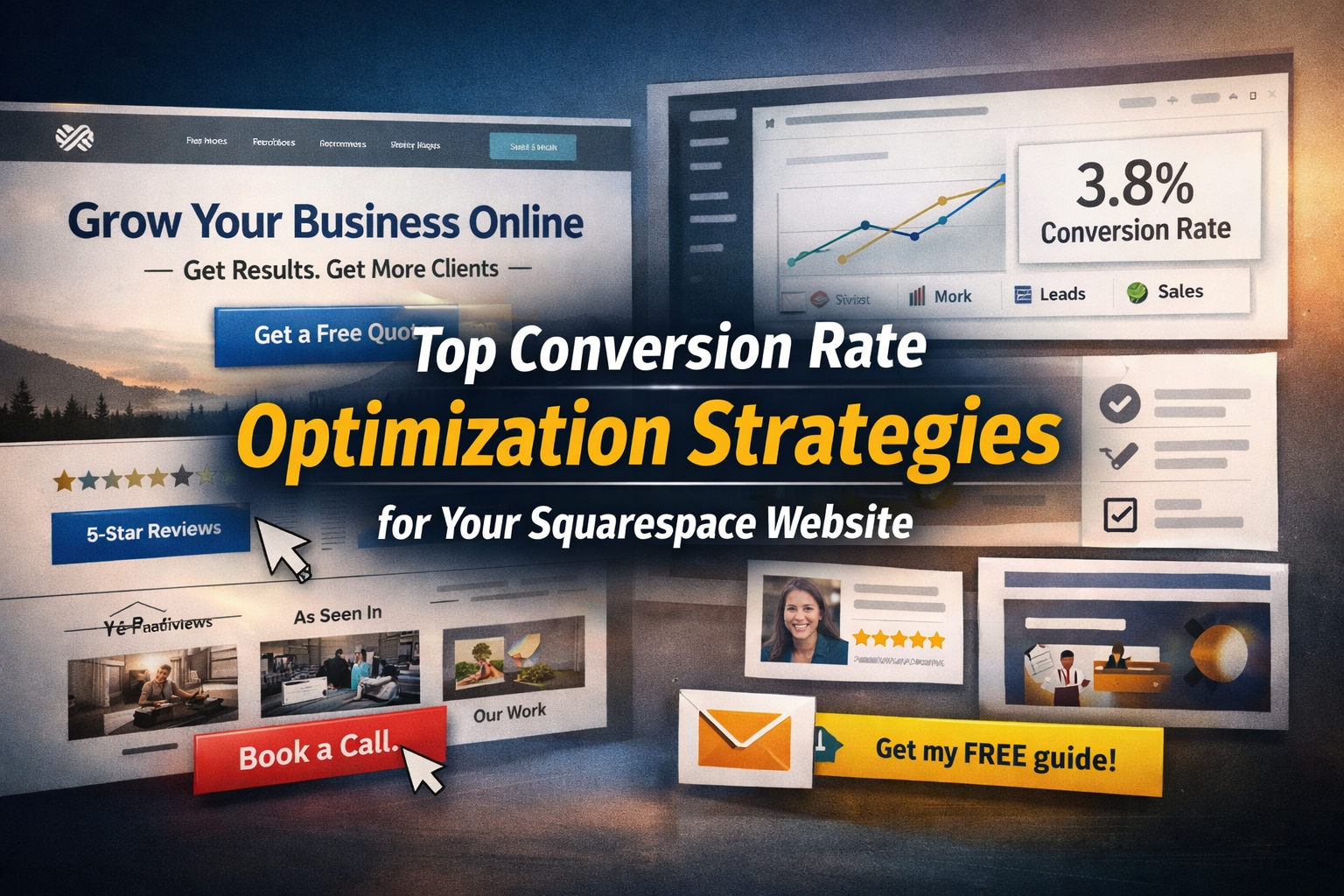
A high-converting “hero section” on Squarespace usually includes:
A specific headline (not generic)
A supporting sentence that reduces confusion
A clear CTA button
One trust element (review count, logos, “featured in”, years in business, etc.)
A relevant image that supports the offer (not random stock photos)
CTA copy upgrade: replace “Submit” with action-driven text like:
“Get a Quote”
“Book a Call”
“See Pricing”
“Start My Order”
3) Reduce choice: simplify navigation and page structure
Too many links = fewer conversions.
On Squarespace, keep your top navigation lean:
3–6 main items max
One highlighted CTA button-style link if your design supports it
Move less-important pages into the footer (FAQ, policies, long-form pages)
On key pages, structure content like a funnel:
What you offer → who it’s for → what’s included → proof → process → FAQ → CTA
4) Improve mobile conversions (this is where most leaks happen)
Even if your desktop looks perfect, mobile is often where people bounce.
Quick mobile CRO wins on Squarespace:
Make CTA buttons big and visible (not tiny text links)
Avoid dense paragraphs; use short blocks and bullet lists
Add spacing between sections (especially in Fluid Engine layouts)
Ensure forms are short and easy to tap
Put the CTA multiple times (top, mid, bottom) on long pages
Big one: don’t let mobile pages start with huge empty space or oversized images that push the headline down.
5) Speed and performance: remove friction before people even decide
Performance affects conversion because slow pages feel untrustworthy.
Common Squarespace speed problems:
Oversized images (uploading massive files)
Too many third-party scripts (chat widgets, trackers, popups)
Heavy animations everywhere
Video backgrounds (great when used carefully, harmful when overused)
Practical improvements:
Compress images before upload
Limit embedded widgets to what you actually use
Use fewer fonts and font weights
Avoid loading everything on every page
Even a small speed improvement can increase form completions and checkout starts.
6) Strengthen your CTA sections (don’t rely on one button)
Most visitors won’t convert at the first CTA.
On service and landing pages, repeat your CTA in smart places:
After the benefits section
After social proof
After pricing or packages
At the bottom, with a final “make the decision easier” message
Also, add a “low-commitment” CTA for colder visitors:
“View Work”
“See Examples”
“Learn How It Works”
This keeps people moving instead of leaving.
7) Use social proof that feels real (not generic testimonials)
Social proof is one of the highest ROI CRO elements.
What works best:
Testimonials with specific outcomes (not “great service!”)
Before/after examples
Client logos (if applicable)
Case studies with numbers (time saved, revenue gained, results)
Short quotes placed near CTAs
On Squarespace you can add these as:
Sections with quote blocks
Image + text rows
“What clients say” strips between sections
A dedicated case studies page, then tease it on key pages
Placement tip: put proof right before a CTA, not only at the bottom.
8) Upgrade forms: shorter, clearer, and more motivating
Forms often kill conversions because they’re too long or too vague.
CRO form improvements:
Remove unnecessary fields (you can ask later)
Add a short line above the form explaining what happens next
Use a confidence-building note under the button:
“Response within 24 hours”
“No spam”
“Free, no obligation”
Split long forms into steps if you can (or use a booking call as the first step)
If you’re selling services, consider:
Option A: short form → follow-up questions by email
Option B: booking first → gather details after scheduling
This reduces upfront effort and increases completion rate.
9) Make pricing feel clearer (even if you don’t show exact numbers)
Pricing confusion is a conversion killer.
If you don’t want to show full prices, you can still reduce anxiety with:
“Starting at…” ranges
Package tiers (Basic / Standard / Premium)
What’s included (deliverables list)
What affects price (scope factors)
A “recommended” option for decision guidance
If you do show pricing, make sure each package includes:
Who it’s for
What’s included
Timeline expectations
A strong CTA per package
10) Improve product page CRO (Squarespace Commerce)
If you run an online store, focus on these:
Product images that show scale, detail, and use cases
Benefit-led description (not just specs)
Shipping and returns clarity near the buy button
Trust elements near “Add to Cart”
Clear variants and options (avoid confusing dropdowns)
“You may also like” / related products to increase AOV (average order value)
Checkout friction reducers:
Transparent shipping costs early
Clear delivery expectations
Fewer steps and distractions
11) Add “intent capture” for visitors who aren’t ready
Most visitors won’t buy or inquire today. Capture them.
Best CRO capture options:
Email opt-in with something valuable:
checklist, mini guide, template, discount, free consultation tips
A lead magnet tied to your service (not generic)
A simple “newsletter” signup is usually weaker than an offer
If you use a popup, keep it:
delayed (not instant)
easy to close
relevant to the page content
12) Track the right numbers (and optimize based on reality)
CRO isn’t about guessing—it’s about measuring.
At minimum, track:
Page visits → CTA clicks (button click rate)
CTA clicks → form starts
Form starts → form submissions
Product views → add to cart
Add to cart → checkout start
Checkout start → purchase
Then fix the biggest leak first.
A practical workflow:
Identify your top 3 pages by traffic (Squarespace Analytics)
Pick one conversion goal per page
Improve that page’s message + CTA + proof + friction
Watch results for 1–2 weeks
Repeat
A simple CRO checklist you can apply today
Messaging
Clear headline and who it’s for
One primary CTA per page
Benefits are specific and scannable
Design & UX
Mobile layout is clean and CTA is visible quickly
Page sections flow logically
Navigation is minimal and not distracting
Trust
Testimonials or proof near CTAs
Clear expectations (timeline, response time, process)
Real photos/examples where possible
Friction
Forms are short and easy
Pricing is clarified (even if ranges)
Speed is decent and scripts are controlled
A realistic 30–60–90 day CRO plan
First 30 days
Fix hero sections on top pages
Simplify navigation
Improve form completion rates
Add stronger proof near CTAs
60 days
Build one dedicated landing page for your best offer
Add email capture for non-ready visitors
Improve mobile-first layout and speed
90 days
Run small A/B tests (headline/CTA/proof variations)
Optimize product or service funnel flow
Double down on what’s converting
If you want CRO help on a Squarespace site
CRO is where design, copy, and technical implementation meet. If you want a conversion-focused audit and improvements (hero section, layout, CTAs, forms, speed, and trust elements), that’s exactly the kind of work we do at abZ Global - especially for Squarespace sites that need to look premium and convert.