
What AI Chatbots Can Do in 2026 (and How to Leverage Them for Personal Use)
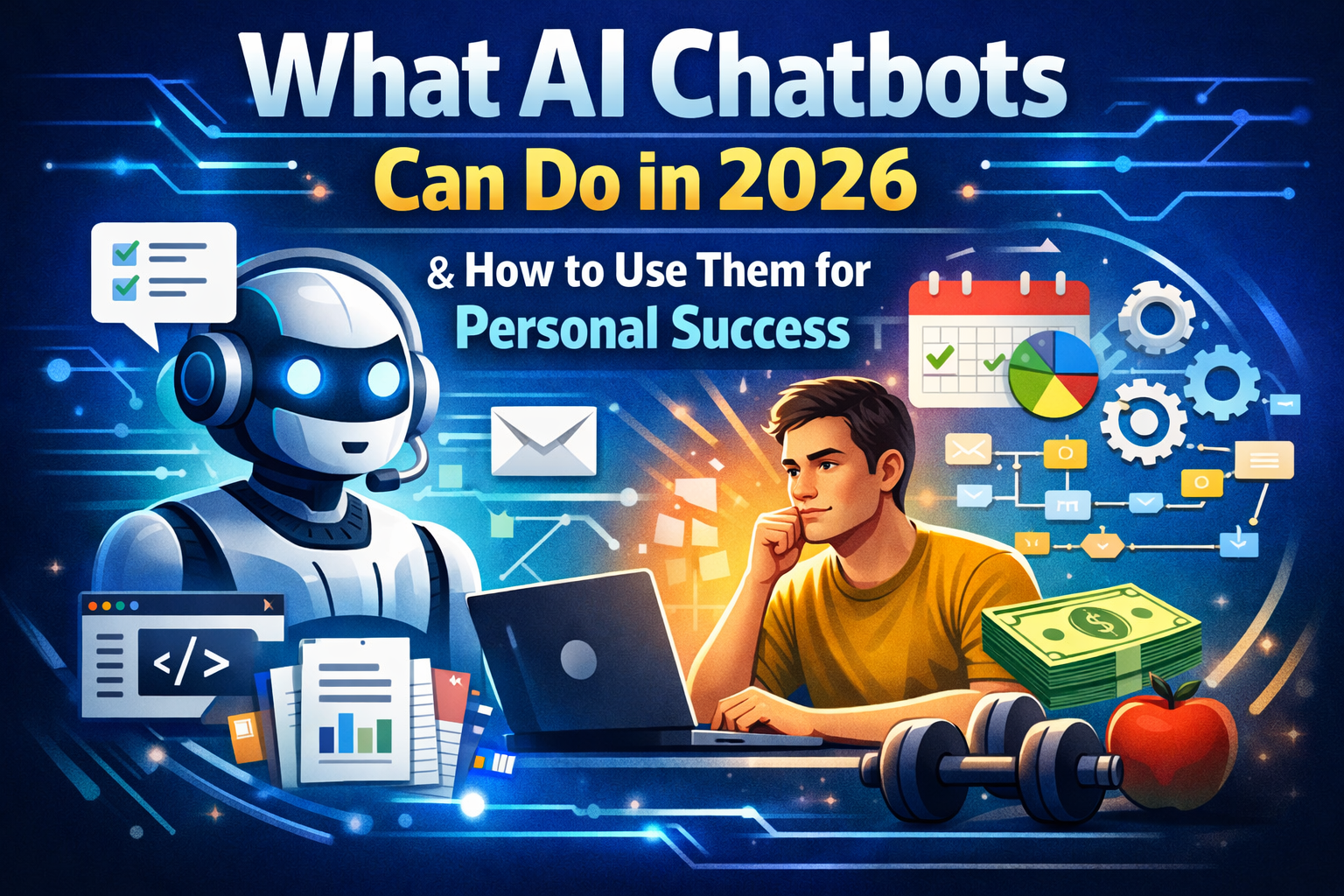
In 2026, “AI chatbots” are no longer just chat boxes that answer questions. The best ones behave more like personal copilots: they can keep context across sessions, work inside “projects,” use tools, connect to your apps, and in some cases even operate software interfaces for you.
Below is a practical, personal-use guide you can publish directly on abzglobal.net.
What AI chatbots can do in 2026
1) Maintain long-running context (Projects + Memory)
Instead of re-explaining your situation every time, you can keep a dedicated space for a goal or area of life (fitness, finances, learning, side project). “Projects” and “memory” features make the assistant feel more continuous and less like one-off Q&A.
Personal value: fewer repeated explanations, better continuity, and faster output quality.
2) Work across your files and knowledge (not just “the internet”)
Modern assistants can ingest PDFs, notes, spreadsheets, and documents you upload, then summarize, extract, rewrite, or turn them into plans.
Personal value: you can “talk to your own stuff” (notes, contracts, study material, plans) instead of hunting for it.
3) Act, not just advise (Tool use + Agents)
The big shift is tool use: the model can perform multi-step tasks instead of only telling you what to do. Some platforms call this “agent mode.”
Personal value: fewer half-answers, more “done” outcomes.
4) Connect to apps you already use
Assistants increasingly connect directly to productivity tools and services, so they can pull context from your workspace rather than starting from scratch.
Personal value: less copy-paste, less context switching.
5) Use your computer UI (in some setups)
Some assistants can interpret screenshots and simulate basic actions like clicking, typing, scrolling, and filling forms. Still imperfect, but improving quickly.
Personal value: automating repetitive admin or browser-based tasks (with supervision).
6) Build real artifacts: documents, presentations, code, and designs
Drafting long-form content, presentations, spreadsheets, and code is now a default capability, often inside dedicated workspaces where you can iterate visually.
Personal value: idea → draft → finished asset happens much faster.
How to leverage AI chatbots for personal use (the practical playbook)
A) Build a “Personal Operating System” in 4 projects
Create 4 separate projects (or workspaces):
Life Admin – emails, forms, travel, subscriptions
Career & Learning – skills, study plans, portfolio, interviews
Health & Energy – habits, training, nutrition, sleep
Money & Decisions – budgeting, purchases, planning
Why this works: clean context, less mental clutter, and better long-term results.
B) Use AI for weekly reviews (highest ROI habit)
Weekly review prompt template:
“Here’s what happened this week (paste notes). Summarize into:
wins
problems
lessons
next week priorities (max 5)
a realistic Monday–Friday plan”
Then ask:
“What’s the smallest change that improves next week by 10%?”
This is where AI shines: turning messy reality into clarity.
C) Turn goals into systems (not motivation)
Instead of hype, ask for structure:
“My goal is X. Design a system that works even when motivation is low.
constraints (time, energy, budget)
minimum viable version
escalation for high-energy days
recovery plan for bad weeks”
You’re building an operating model, not chasing inspiration.
D) Learn faster with a tutor loop
Use this loop for any skill:
Explain simply
Quiz me (5 questions)
Grade my answers
Create drills for weak areas
Apply it to something real
This turns the chatbot into a private adaptive tutor.
E) Write better (without sounding like AI)
Use AI as an editor:
“Rewrite this to be clearer and shorter, keep my tone.”
“Give 3 versions: friendly, direct, formal.”
“Remove fluff and buzzwords, keep it human.”
Result: better communication with less effort.
F) Make better decisions with a decision memo
For any meaningful choice:
“Create a decision memo for X:
options
pros and cons
risks and hidden costs
future regrets
recommendation based on my priorities: (list them)”
You outsource structured thinking, not responsibility.
G) Automate boring admin (carefully)
Good use cases:
repetitive emails
form filling (with review)
organizing files
turning notes into checklists
summarizing long documents
Be conservative here. Automation is powerful, but supervision matters.
Prompt patterns that consistently work in 2026
1) Role + constraints + output
“Act as a [coach/editor/analyst]. Constraints: [time, tone]. Output: [format].”
2) Show assumptions first
“List your assumptions before answering. Ask only if blocked.”
3) Critique and improve
“Give your best answer, critique it, then revise.”
4) SOP builder
“Turn this into a weekly standard operating procedure.”
Privacy and accuracy rules
Don’t upload sensitive personal data unless you’re comfortable with it being stored.
Treat outputs as drafts for legal, medical, or financial decisions.
Separate personal and professional projects to avoid context leakage.
A simple 30-minute setup readers can follow
Create the 4 projects (Life, Career, Health, Money).
Add a short “About me & constraints” note to each.
Save 3 prompt templates (Weekly Review, Decision Memo, Tutor Loop).
Run your first weekly review.
Automate one small workflow only.