
Why EU Websites Ask You to “Accept Cookies” (and Why It Became Everywhere)
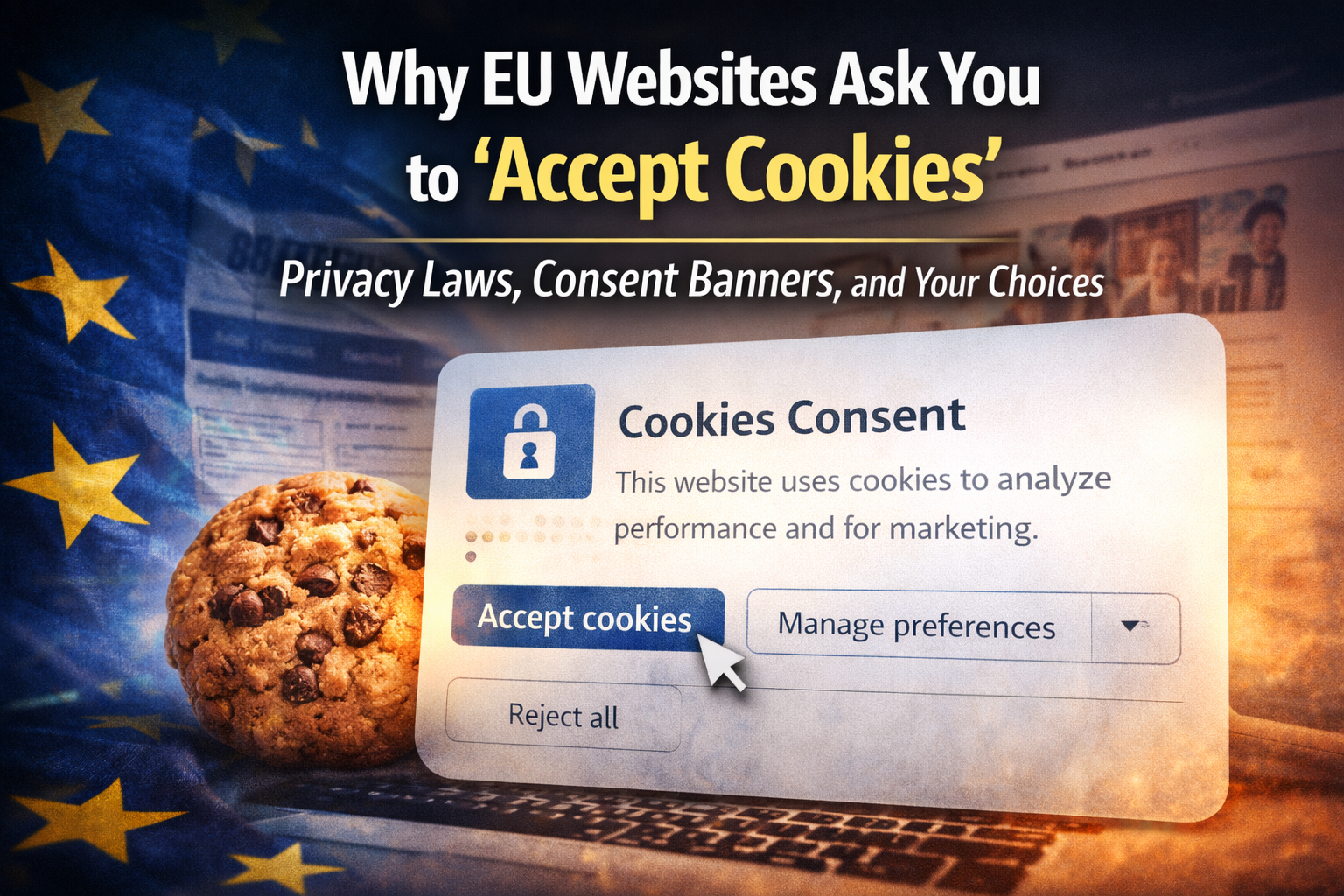
If you browse the web from the EU, you’ve seen it a thousand times: a banner asking you to accept cookies, reject them, or manage preferences.
This isn’t a random trend. It’s the visible result of EU privacy law trying to solve a specific problem:
websites were storing and reading identifiers on your device (cookies and similar tech) to track you — often without your knowledge.
So the EU pushed the web toward a simple principle:
If it’s not strictly necessary to provide the service you asked for, the site must ask first.
That’s why cookie banners exist.
The original reason: protecting “terminal equipment” from silent tracking
Most people think cookie popups are “because of GDPR.” GDPR is part of the story, but the “cookie banner” rule mainly comes from EU ePrivacy rules (often called the “Cookie Law”).
The key idea is older than GDPR:
your phone/laptop/browser is private space
websites shouldn’t place or read identifiers there without permission
unless it’s needed to deliver the service you explicitly requested
That’s why the rule covers not just classic cookies, but also “similar technologies” that store or access information on your device.
What the law actually targets (in plain English)
Cookie banners aren’t about every single cookie.
They’re about non-essential storage/access, especially for things like:
advertising tracking
cross-site analytics that identify users
retargeting and profiling
third-party marketing scripts
device fingerprinting and hidden identifiers
social embeds that track you across sites
In other words: tracking and profiling is the main driver.
Why the banners are so annoying: “consent” became the default legal workaround
EU rules basically created a fork:
Option A: Don’t track (or only use strictly necessary cookies)
No banner needed for most “strictly necessary” purposes.
Option B: Track for analytics/ads/personalization
Then you need a consent mechanism that meets a real standard:
informed
freely given
specific
unambiguous
and easy to withdraw
Most businesses chose Option B (because ad and measurement stacks are deeply built into marketing), so banners became the universal implementation.
A major turning point: “pre-checked boxes” were ruled invalid
For years, many sites tried to “soft-opt-in” users with pre-ticked boxes, confusing banners, or “by continuing you agree” wording.
EU court decisions clarified: consent must be active opt-in, not a trick or a default.
That forced a more explicit “Accept / Reject / Manage” UI — and pushed consent banners from “nice-to-have” to “must-have” for many sites.
The “strictly necessary” exception (the part many people misunderstand)
The EU approach is not “ask for everything.”
Most regulators allow cookies without consent when they are strictly necessary to deliver a service the user requested, for example:
keeping you logged in
shopping cart functionality
security cookies (fraud prevention, load balancing)
cookie that remembers your consent choice
technical session management
But “necessary” is interpreted narrowly.
“Necessary for our marketing” is not necessary.
Why enforcement made banners more common (and more strict)
Regulators started focusing not only on whether banners exist, but on whether they’re fair.
Common enforcement themes include:
cookies set before consent (especially ad cookies)
“Reject” being hidden or harder than “Accept”
cookie walls (blocking content unless you accept tracking)
vague categories and confusing language
withdrawing consent being harder than giving it
This is why modern banners often include:
a visible “Reject all” or “Decline” option
granular category toggles
a persistent “cookie settings” link in the footer
The unintended outcome: consent fatigue and dark patterns
The EU goal was reasonable: stop invisible tracking.
But the user experience outcome has been messy:
people click “Accept” just to make the banner go away
banners are designed to push acceptance (color, button size, friction)
users get banner fatigue and stop reading
some sites ignore preferences or implement them poorly
So the web got more “transparent,” but not always more “private” in practice — because UX tricks can still shape outcomes.
What this means for website owners (practical takeaways)
If you operate a site that serves EU visitors, the safest mindset is:
1) Default to privacy
Only load non-essential tracking after a clear choice.
2) Keep the first layer honest and simple
Accept
Reject
Manage preferences
Make Reject as easy as Accept.
3) Don’t set marketing cookies before consent
This is one of the most common mistakes (especially with third-party tags).
4) Avoid cookie walls for non-essential tracking
Blocking content until people accept tracking is high-risk.
5) Minimize categories
Too many toggles isn’t “more compliant” — it’s more confusing.
A healthier direction (and what I expect to happen next)
The long-term fix is not “more banners.” It’s:
privacy-friendly analytics (less identifying, less third-party)
better browser defaults
fewer trackers by design
standardized preference signals that websites actually honor
Until the web shifts there, the banner is the practical compromise: it’s clunky, but it’s the visible price of moving tracking from “silent by default” to “permission-based.”
The takeaway
EU cookie prompts exist because the EU chose a clear rule:
Your device is private space. If a website wants to store or read identifiers for tracking or profiling, it must ask first — unless it’s strictly necessary for the service you requested.
Cookie banners are annoying — but they’re a direct reaction to a decade of invisible tracking becoming normal on the web.