
What Is Claude Cowork? (And Why It’s Different from “Chatting with an AI”)
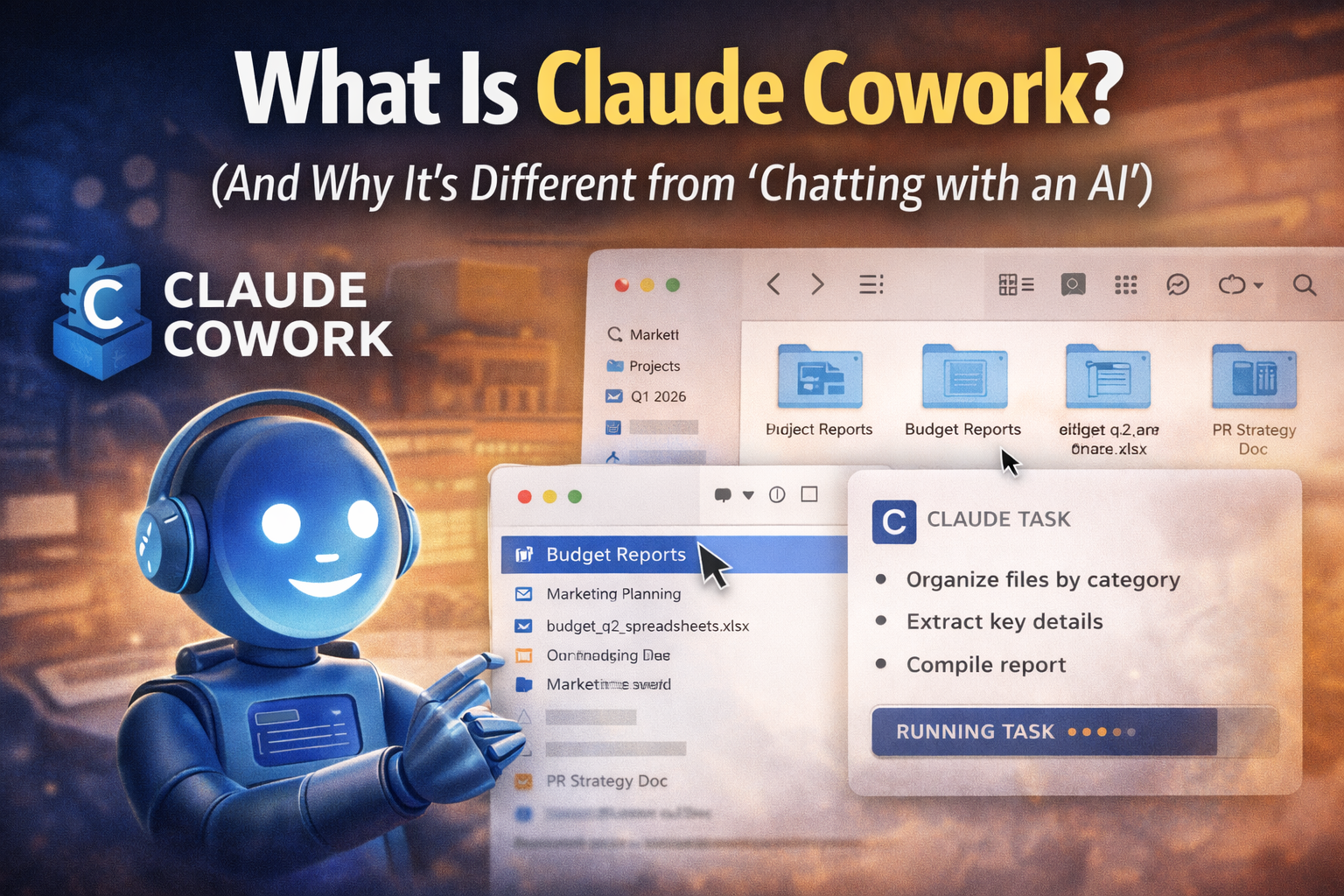
If Claude is the chatbot you ask questions, Claude Cowork is Claude acting more like a hands-on assistant that can actually do the work - not just tell you what to do.
Anthropic positions Cowork as a research preview that brings the “agentic” approach from Claude Code (the tool built for developers) into Claude Desktop, aimed at everyday knowledge work: organizing files, extracting info, drafting documents, and running multi-step tasks with less back-and-forth.
The simple definition
Claude Cowork is a desktop AI agent inside Claude Desktop (macOS) that can work inside folders you explicitly allow, and can run multi-step tasks on your behalf.
That “agent” part is the big shift:
Chatbots answer.
Agents execute steps.
What Cowork can do (the practical list)
From Anthropic’s own docs and product write-ups, Cowork is designed to handle tasks like:
Organize and rename files in a folder (based on rules you describe)
Extract information from documents/screenshots and compile a summary
Draft and assemble reports from a set of files
Batch clean-up work (duplicates, inconsistent naming, sorting)
Work with connected tools (via connectors / integrations) to move work across apps
Think “assistant that can operate on your stuff,” not “assistant that gives advice about your stuff.”
How Cowork is different from Claude chat
Chat: you do the clicking
You paste text, you upload files, you copy results out.
Cowork: it’s allowed to work in a context
You point it at a folder (or connectors) and it can perform a sequence: scan -> interpret -> create outputs -> reorganize -> produce a final deliverable.
This is why people describe it as “Claude Code for non-coders.”
Where it runs and who gets access
As of mid/late January 2026, Cowork is described as:
available through Claude Desktop on macOS
offered as a research preview
included for paid plans (the exact gating has been shifting as the preview evolves, so check your plan UI if you’re unsure)
Safety model: “stay in control” (and why it matters)
Giving an AI access to files is powerful - and risky if done badly.
Anthropic emphasizes that Cowork only sees what you grant it, and it asks before significant actions, so you can course-correct.
Practical reality for users:
be explicit (“create a new folder called X and copy files, don’t delete anything”)
start with small, non-critical folders
treat it like a junior assistant until you trust the workflow
Why this matters for builders and web teams
Cowork is a signal that “agentic UX” is moving mainstream:
Users will expect tools that do (not just explain)
Product teams will need to design for permissions, guardrails, and undo
“Async jobs + progress + logs” becomes the default pattern for AI features
If you’re building SaaS or internal tools, Cowork is a good mental model for where user expectations are heading in 2026.
The takeaway
Claude Cowork is Anthropic’s desktop agent for knowledge work: you give it controlled access to folders (and sometimes connected services), and it runs multi-step workflows to produce real outputs - closer to a coworker than a chatbot.