
WordPress vs Modern Stacks in 2026: A Decision Framework for Founders
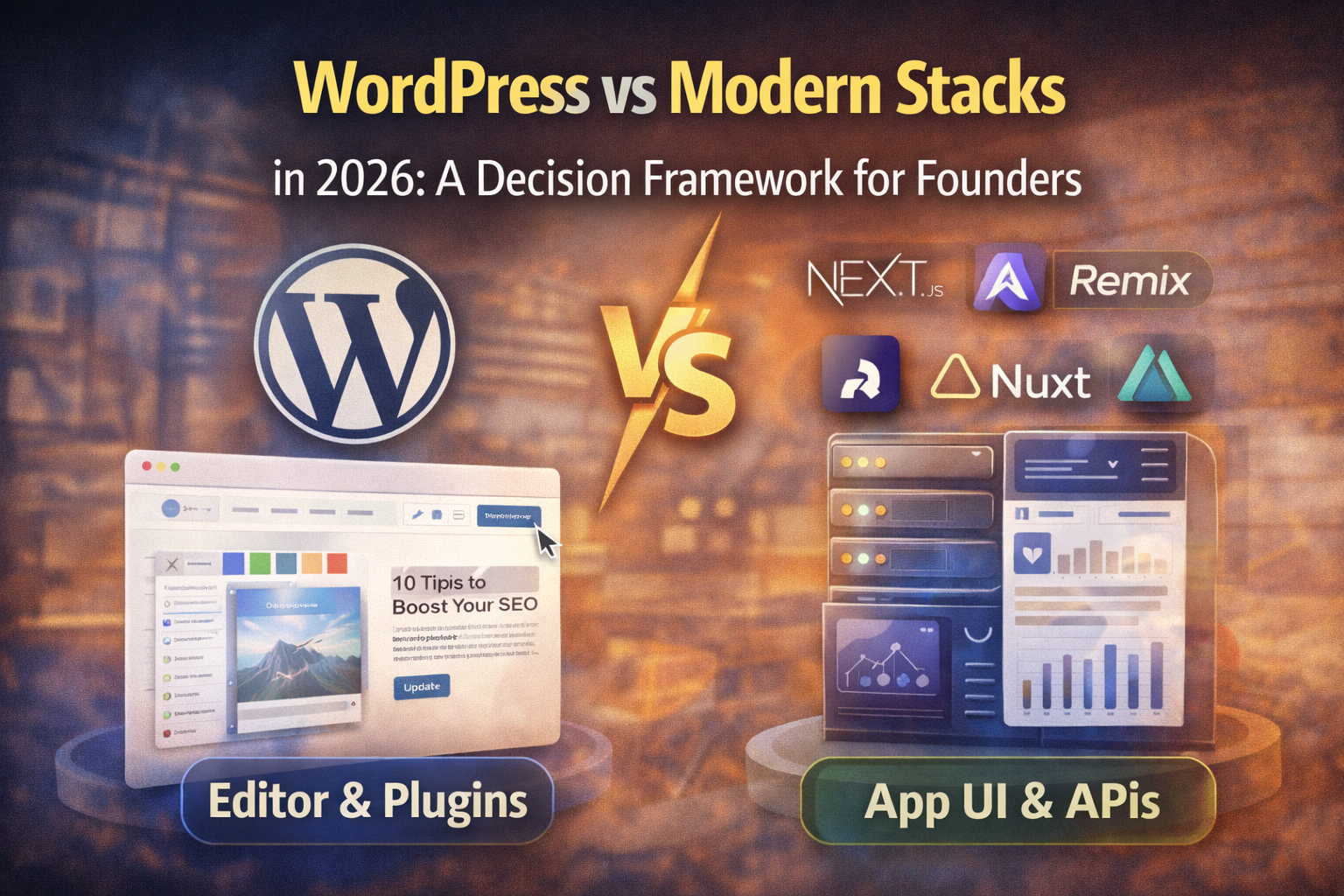
Founders don’t choose a tech stack because it’s “cool.” They choose it because it affects three things that matter:
Speed to market (how fast you ship)
Growth (SEO, content, conversions, iteration speed)
Risk (security, maintenance, cost, hiring)
WordPress is still huge in 2026 - not because developers don’t know better, but because publishing + editing + plugins solve real business problems fast. WordPress.org still reports it powers 43%+ of websites and over 60% of the CMS market.
At the same time, “modern stacks” (Next.js / Remix / Astro / Nuxt / SvelteKit + APIs + headless services) are winning where founders need product-like UX, tight performance, and predictable architecture.
This article gives you a simple way to decide - without ideology.
First, define what “modern stack” means
For this article, “modern stack” means:
A front end framework (often server-rendered or hybrid)
A backend (or backend-for-frontend) with APIs
A database (or managed data layer)
Optional headless CMS for content
In practice, it’s “build a web app” more than “install a CMS.”
The 2026 principle: choose for the bottleneck you actually have
Ask one question:
Is your bottleneck content publishing and marketing… or product experience and engineering?
If you’re mostly shipping pages, articles, landing pages, case studies: WordPress wins
If you’re shipping workflows, dashboards, accounts, permissions, real-time UI: modern stack wins
If you need both: hybrid wins
A founder-friendly decision scorecard
Give each item a score from 0–2. Add them up.
Choose WordPress if most of these are true
You need a site this week (not this quarter)
Your growth depends on SEO + content velocity
Non-technical people must edit everything (pages, layout, blog, media)
You need common features like forms, multilingual, memberships, simple payments
Your “app” is mostly content + lead capture
You can accept that “custom” often means plugins + conventions
Choose a modern stack if most of these are true
Your product is a web app, not a website
You need high performance and consistent Core Web Vitals behavior (especially INP)
You need fine-grained permissions, roles, audit logs
You need complex data relationships and custom workflows
You expect a lot of UI iteration and want clean separation of concerns
You want to minimize plugin supply-chain exposure (third-party code risk is a real business risk)
Choose hybrid if most of these are true
You want WordPress editing but modern performance/UI
You need a marketing site + a separate app
You want to start on WordPress but keep a clean exit path
The real tradeoffs (no fluff)
1) Speed: WordPress wins early, modern stacks win later
WordPress:
You can ship a real site fast
Content workflows are mature
Features come “prebuilt” via plugins
Modern stacks:
Initial setup is slower (auth, CMS, hosting, CI/CD)
But custom product work becomes cleaner and more predictable
Rule of thumb:
If you need revenue fast and the site is the product: WordPress.
If the product is a system and the site is a wrapper: modern stack.
2) Editing: WordPress is still the easiest for non-dev teams
WordPress’ editor and ecosystem are built around:
writing
media
revisions
scheduled publishing
workflows
Modern stacks can match this with a headless CMS, but it’s another system to choose, pay for, and maintain.
3) Performance: modern stacks are easier to keep fast by default
WordPress can be fast. The problem is consistency.
Performance tends to degrade when:
too many plugins inject scripts
page builders add heavy DOM + CSS + JS
analytics/ads stack grows without discipline
WordPress core keeps improving performance in recent releases, but plugin and theme choices still dominate the outcome.
Modern stacks, especially with static generation or edge rendering, make it easier to keep a tight performance budget.
4) Security: WordPress is safe when maintained - risky when neglected
WordPress itself is not “insecure by default.” The common risk pattern is:
site owner installs many plugins
updates are delayed
one plugin vulnerability becomes the entry point
If you choose WordPress:
keep plugins minimal
update aggressively
remove unused plugins/themes
use a security plugin + WAF
lock down admin access
Modern stacks reduce exposure to “random plugin code,” but you still have:
dependency supply chain risk
misconfigured auth
insecure APIs
logging/monitoring gaps
5) Cost: WordPress is cheaper until you need “product-level” behavior
Typical founder cost curve:
WordPress cheaper when:
marketing site
blog
simple lead funnel
small ecommerce
basic membership
Modern stack cheaper when:
you keep rebuilding “plugin-shaped” things
you need custom roles, workflows, integrations
performance issues become constant firefighting
Three common founder scenarios (and the best default choice)
Scenario A: “We need leads and SEO”
You need pages, blog, speed, simple forms, quick iteration.
Default choice: WordPress
Constraint: Keep plugins lean and performance budgets strict.
Scenario B: “We are building a SaaS”
You need auth, dashboards, teams, permissions, billing, data.
Default choice: Modern stack
Add: a CMS (headless or simple) for marketing content.
Scenario C: “We need both”
You want fast marketing publishing plus a real app experience.
Default choice: Hybrid
WordPress for marketing (abzglobal.net style)
Modern app on app.yourdomain.com or dashboard.yourdomain.com
This keeps editing simple while protecting the product architecture.
The “migration triggers” checklist (when you outgrow WordPress)
If you’re already on WordPress, consider migrating or splitting when you hit 3+ of these:
every new feature requires a new plugin
performance drops and fixes keep getting undone
security updates feel scary because they break things
you need complex permissions/workflows
you’re maintaining a “mini-app” inside WordPress
developer velocity is slowed by theme/plugin constraints
At that point, hybrid is often the smartest step, not a full rewrite.
A practical decision tree (fast)
Is your product mainly content?
Yes -> WordPress
No -> go to 2Do you need app-like UX (teams, permissions, dashboards)?
Yes -> modern stack
No -> go to 3Do non-devs need to update layout and content weekly?
Yes -> WordPress or hybrid
No -> modern stackDo you need both SEO/content + a real app?
Yes -> hybrid
The takeaway
In 2026, the “right” choice is not WordPress vs modern stacks.
It’s:
WordPress when your success depends on publishing + marketing speed
Modern stack when your success depends on product complexity + performance consistency
Hybrid when you need both - and want a clean future path