
What New Browser Features Landed in 2025
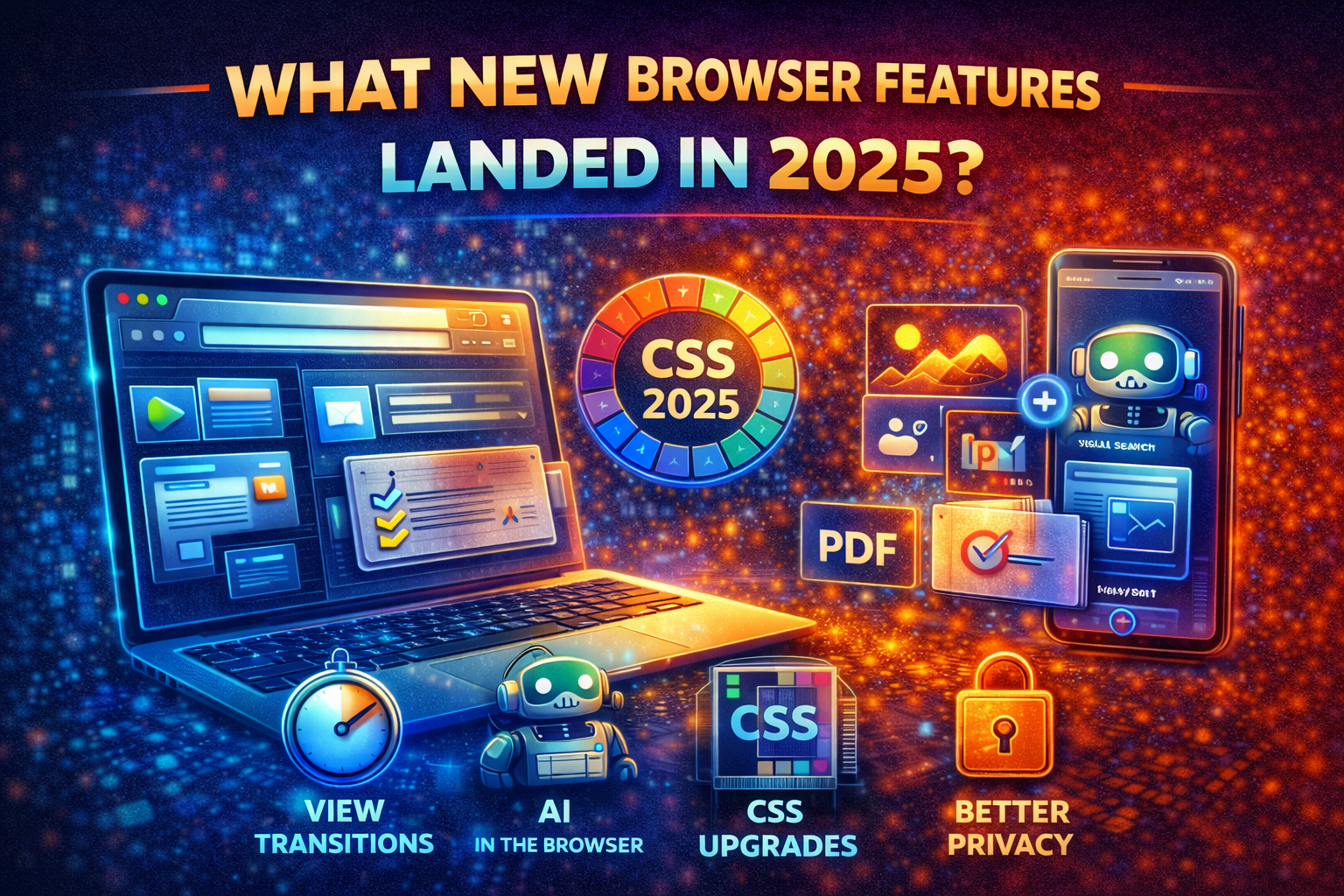
2025 was one of those years where the web quietly leveled up — not with one “wow” feature, but with a steady wave of improvements that make websites feel more like native apps:
smoother UI and animations
better cross-browser interoperability
more powerful CSS and HTML primitives
built-in productivity features (PDF editing)
AI features creeping into the browser itself
stronger security and privacy controls
Here are the biggest browser-side changes that actually mattered in 2025 (for both users and web developers).
1) CSS and UI got a real upgrade (especially in Chromium)
Browser vendors shipped a large set of CSS and UI improvements in 2025, pushing the platform toward more native, less JavaScript-heavy interfaces.
Some highlights from this wave of changes (the kind of things that actually change how you build interfaces):
Declarative UI actions (for example, buttons opening dialogs without JavaScript)
Better native form controls with more styling flexibility
Popover and dialog UX improvements with less custom JavaScript
Anchor positioning and anchored container queries for tooltips, menus, and overlays that stay visually attached while responding to layout changes
Why this matters: these features reduce the need for heavy UI frameworks for basic components and make native UI feel modern again.
2) “App-like navigation” became much smoother
A major theme in 2025 was making page-to-page navigation feel instant and polished.
Browsers pushed forward features like:
Cross-document view transitions, allowing animations between full page navigations
Better render-blocking controls to avoid jank during transitions
Speculation rules that let browsers prefetch or prerender likely next pages
Why this matters: this enables fast, app-like experiences on traditional websites without turning everything into a heavy single-page application.
3) Scroll-driven animations moved closer to the mainstream
Scroll-based animations have historically been fragile and expensive when implemented with JavaScript.
In 2025, browsers made progress toward native scroll-driven animations, enabling smoother effects that are more battery-friendly and less error-prone.
Why this matters: richer visual storytelling and interactions without performance penalties.
4) Baseline and Interop made browser support easier to reason about
One of the most underrated improvements of 2025 wasn’t a single API — it was better clarity around browser compatibility.
Developers gained:
clearer “Baseline year” targets for safe feature usage
better datasets and dashboards showing real browser support
editor tooling that surfaces compatibility information while coding
At the same time, Interop 2025 pushed browsers to align on a shared set of features, reducing cross-browser surprises.
Why this matters: less time debugging Safari-only or Firefox-only issues, and more confidence shipping modern features.
5) Firefox focused on choice, productivity, and privacy
Firefox continued to differentiate itself by emphasizing user control rather than locking people into one ecosystem.
Key additions included:
optional AI assistants in the sidebar, with user choice
stronger built-in PDF editing (signatures, comments)
better profile separation (work vs personal)
visual search from images
stronger privacy protections on mobile
Why this matters: Firefox is positioning itself as a modern browser that adds AI features without sacrificing user autonomy.
6) Edge pushed AI deeper into the browser experience
2025 marked the moment when “AI browsers” became mainstream.
Edge introduced deeper AI-assisted workflows designed to:
help users reason across tabs
assist with search and navigation
improve safety through AI-powered scam detection
Why this matters: browsers are evolving from passive renderers into active assistants and security layers.
7) Safari and WebKit continued steady platform progress
Safari continued to ship new platform features throughout 2025, often previewed first in Safari Technology Preview builds.
These updates included:
new CSS capabilities
rendering and performance improvements
developer tooling enhancements
Why this matters: Safari’s steady progress ensures modern CSS and platform features eventually become safe to use across all major browsers.
What web developers should take away from 2025
If you build websites or web apps, 2025’s browser changes point to a clear direction:
Rely more on native platform UI primitives instead of recreating everything with JavaScript
Use view transitions and speculation rules as part of your performance and UX strategy
Build modern CSS confidently, but plan around Baseline and Interop support
Expect AI features inside browsers and design UX with permissions, privacy, and context in mind
Bottom line
2025 didn’t radically reinvent the browser — it made the web more capable, smoother, and more predictable.
The web platform moved closer to delivering:
app-like UX
better performance by default
fewer cross-browser surprises
built-in intelligence and safety
For developers and businesses, that means you can now ship better experiences with less custom code — and that trend is only accelerating.